A small tag in a bag, a connected device in a vehicle or a location permission left switched on can all reveal something about where a person goes. Yet not every location device works the same way — and not every unexpected alert means malicious tracking. This guide explains the technologies, warning signs and practical next steps with privacy and personal safety in mind.
1. The four kinds of location tracking you should understand
GPS or GNSS devices with mobile connectivity
These units use satellite navigation to estimate position and a cellular service to upload updates to an account or application. Some are installed in vehicles for fleet management or theft recovery; others are portable and battery-operated. Their performance depends on satellite reception, network access, power supply and how frequently they communicate. Not every model reports continuously.
Bluetooth item-finding tags
Small accessory tags may have no satellite-navigation receiver at all. Instead, they broadcast short-range Bluetooth identifiers. Compatible nearby phones or devices participating in a location network may observe them and securely contribute a location report to the tag's owner. Such products are convenient for finding keys and luggage; they can also be misused. Platforms have therefore added unwanted-tracking alerts for supported devices.
Connected-car systems and shared vehicle accounts
A modern car may legitimately expose its position through an automaker app, a fleet-management service or a connected insurance product. Those services can be authorized, but shared credentials, old owner access or inadequate account controls can create unwanted visibility. Checking app permissions, vehicle-user profiles and service accounts can be just as important as looking for a physical box.
Phone apps and account-level location sharing
Location can be shared through navigation applications, family-sharing features, cloud accounts, messaging services or an app with persistent permission. In these cases there may be no hidden tracker to find. A review of account access and location-sharing settings is often the relevant first step.
| Type | Position or proximity source | Typical clue |
|---|---|---|
| Cellular GPS tracker | Satellite position + mobile network upload | Unknown hardware, account or vehicle telemetry |
| Bluetooth item tag | Nearby network devices detect a Bluetooth identifier | Compatible unwanted-tracker phone alert |
| Connected-car service | Built-in vehicle location and online account | Unexpected app access or shared account settings |
| Phone location sharing | Permissions, accounts and apps | Unfamiliar authorized users, apps or sessions |
2. What a tracker can reveal — and what it usually cannot
Depending on its design and service, a tracker can provide a current or last-known position, time-stamped route history, movement notifications or arrival and departure events. A Bluetooth item finder usually relies on nearby participating devices and may update sporadically; a cellular tracker may upload on a schedule or when a trigger occurs. Data retention and who can see the location vary by product and account configuration.
Some systems also report speed estimates, battery status or other telemetry. These details should never be assumed to be perfectly accurate. Weak GNSS reception, gaps in coverage, battery-saving cycles and network delays can all leave stale or approximate data. Tracking-related concerns therefore involve both technology and account governance: who owns the device, who is allowed to view its records and for how long?
3. What iPhone and Android unwanted-tracker alerts do
Apple and Google introduced cross-platform support for unwanted Bluetooth tracker alerts. On supported devices, a warning may appear if a compatible unknown tracking accessory appears to travel with you over time. This is designed to reduce misuse of item-finding accessories, not to guarantee comprehensive anti-surveillance coverage.
On an iPhone, the relevant alert may direct you into Find My information about a detected item and offer a way to play a sound or view safety steps. Android offers unknown tracker alerts and, on supported devices, a way to run a manual scan. Features, supported accessory categories and menus change with software versions and regions. Consult the latest official device instructions rather than relying on screenshots from older guides.
Important: an alert can have innocent explanations, such as borrowed luggage, a friend's headphones or shared belongings. An alert should prompt calm investigation and appropriate safety decisions, not an automatic accusation.
4. How to approach a suspected tracker in your own car
If you have legitimate access to the vehicle, begin with its history rather than assuming wrongdoing. Check whether the car has approved telematics, an insurance device, a vehicle security service or installed fleet equipment. A recently purchased used car may still have accessories from a previous arrangement. Ask an authorized dealer or technician when unsure.
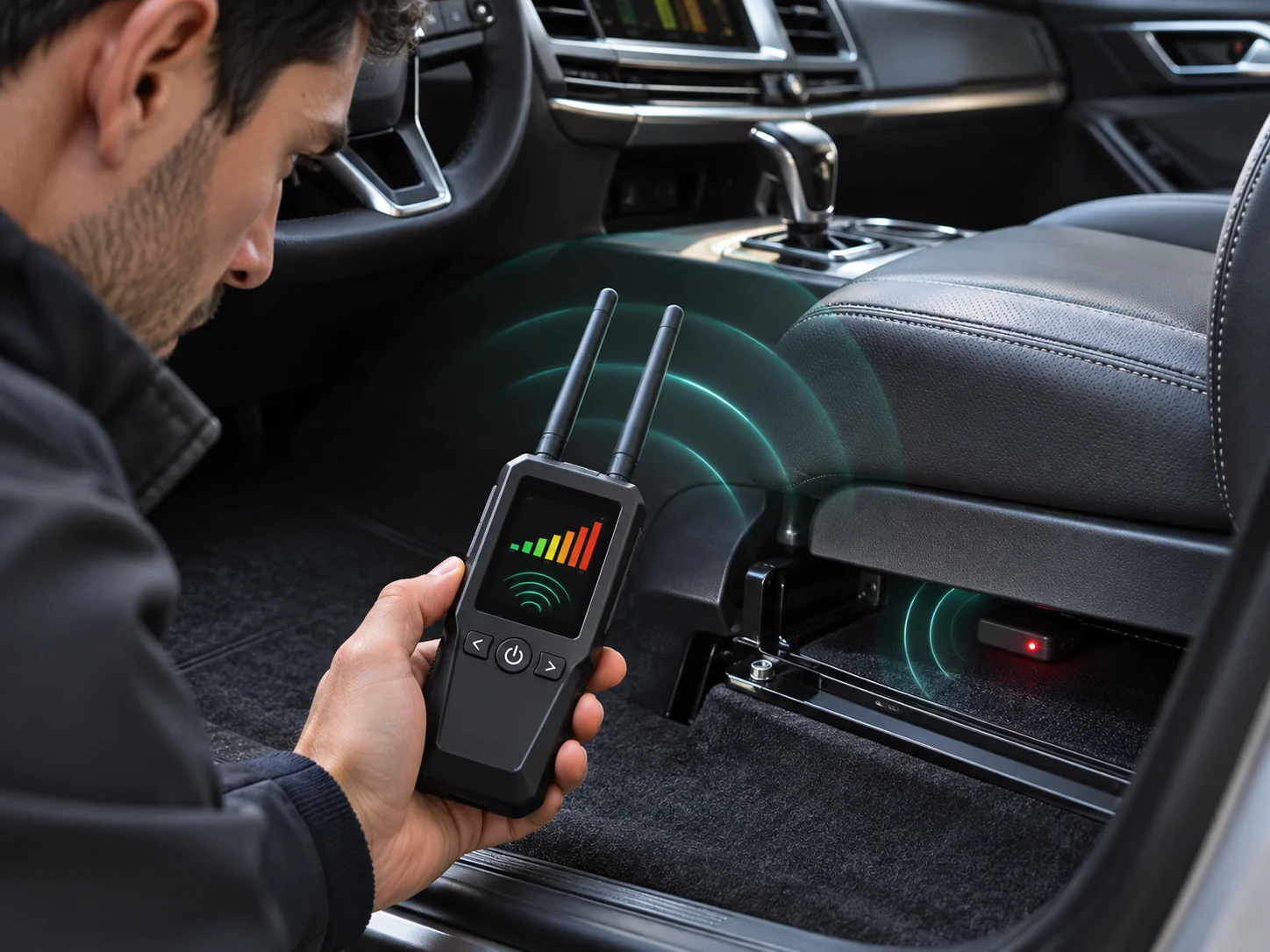
A cautious physical check can focus on observing unfamiliar objects, modifications or loose accessories without dismantling safety-critical components. Avoid touching airbags, high-voltage components, vehicle electronics or factory wiring. A technician can inspect more deeply where authorization and safety allow. If you use an RF detector, treat a signal reading as preliminary evidence: ordinary electronics and intermittent transmission make results ambiguous.
Do not attempt to defeat a suspected device by introducing deliberate radio interference. It may not work, can disrupt other systems and may be illegal. If a tracker is found and you believe there is a threat or a crime, preserve information and seek advice before removing or altering anything. Your immediate safety takes priority over collecting perfect evidence.
5. An unexpected tracker alert: a safety-first response
Your response should account for your actual situation. If you believe you are in immediate danger, go to a safer public place and contact local emergency services or another trusted source of help. In circumstances involving stalking or abuse, confronting a suspected person or changing a device may increase risk. Consider consulting a specialist support organization.
- Read the full notification. Identify what type of device the operating system says it has observed, and check whether you have borrowed or shared an item that explains it.
- Follow the phone's built-in guidance. Supported systems may offer a history view, sound playback or further information about a compatible tracker. Use current official instructions.
- Look after personal safety. If someone may be monitoring you, choose a safe location and consider speaking to a trusted person or professional support service before taking action.
- Document useful details if safe. Note the time, alert text and any visible device information. Do not publish someone else's personal information.
- Get qualified help when needed. Police, a professional vehicle technician or a specialist victim-support organization may be more appropriate than attempting an intrusive inspection alone.
Turning off Bluetooth or location services on your phone does not necessarily stop a separate tracker from functioning. Likewise, airplane mode on the phone is not a reliable way to prevent a tracker itself from sharing location. The correct response depends on the device and any personal-safety risk; follow the manufacturer's official safety guidance.
6. A simple privacy audit beyond physical trackers
Physical devices are only part of the picture. A helpful privacy review includes your phone, cloud accounts and car-related services. Look for forgotten account sessions, shared family or location permissions, vehicle app users, third-party insurance or fleet integrations, and apps with unnecessary location access. Where it is safe to do so, update credentials and enable strong account security.
In relationships involving coercion or abuse, changing access may alert someone who has been monitoring it. A safety plan with a qualified service can help you decide when and how to act. Avoid logging in from a potentially monitored device when seeking confidential assistance. The goal is control over your own information, not covert surveillance of someone else.
7. Why no single detector finds everything
A handheld RF detector can be useful when it covers a transmitter's radio activity and the device happens to be transmitting. It cannot confirm the absence of a silent tracker. An optical lens detector is aimed at reflective camera optics, not at GPS data. Smartphone alerts are designed for certain Bluetooth tracking accessories, not for all radio technologies or software-based location sharing.
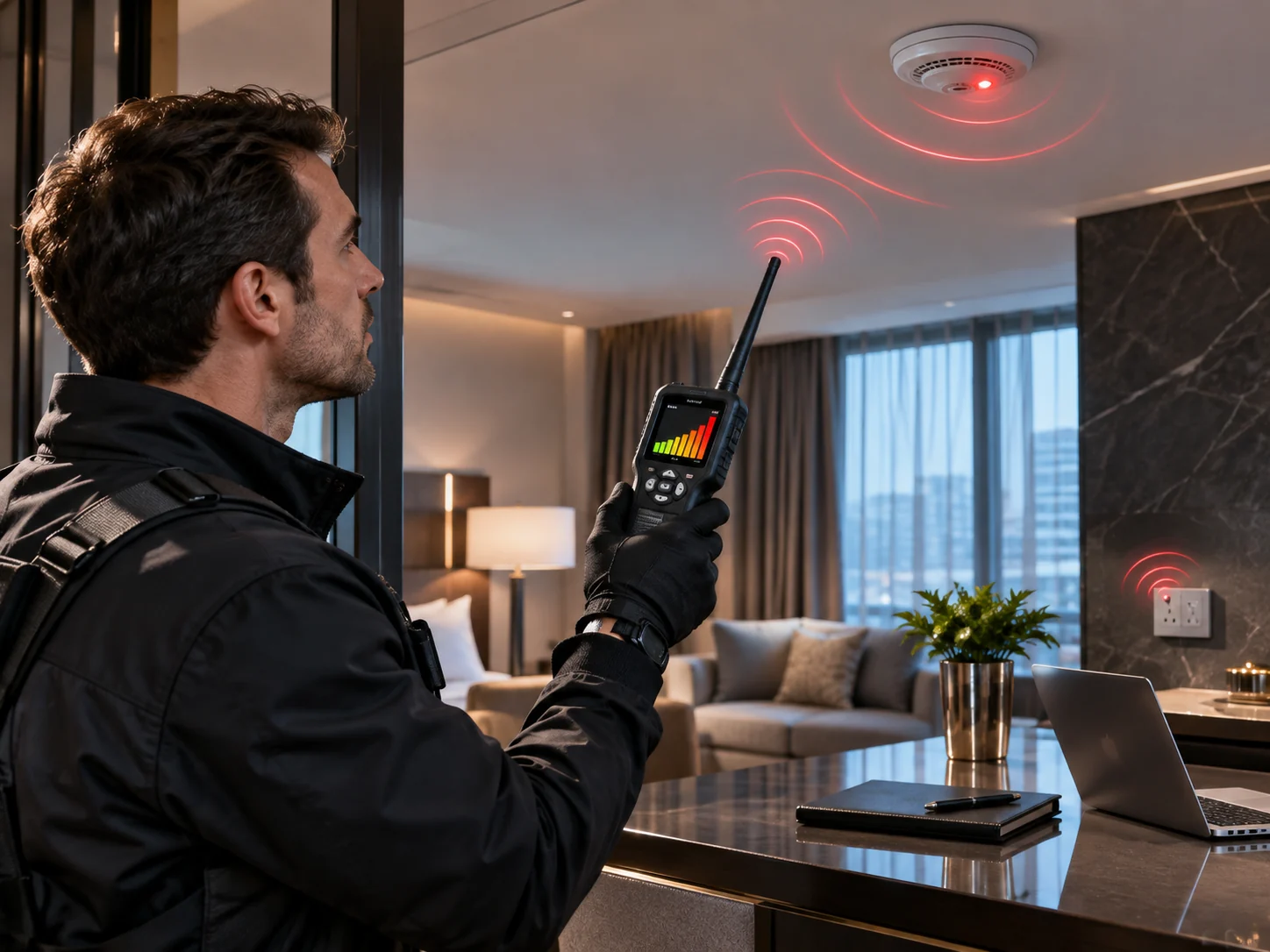

It follows that a careful inspection is a process, not a miracle product. Start with a specific concern; understand which technology is relevant; use authorized checks; document observations; and escalate when the situation is consequential. If the object is protecting private conversations, the right tool and process may differ from checking a car for unwanted location tracking.
8. When location tracking is legitimate — and when it crosses a line
There are many beneficial uses for location technology: finding a misplaced bag, recovering your own vehicle, managing a fleet with proper notice, and supporting safety-related operations. The privacy boundary usually concerns authorization, transparency, necessity and proportionate handling of data. Ownership of a vehicle or device alone does not always resolve consent and employment privacy questions; requirements vary by jurisdiction and context.
Tracking another person without their knowledge or legal authority can be unlawful and harmful. GPSNear supports consent-based technology use and education about unwanted tracking; it does not endorse secret monitoring, harassment or interference with communications.
9. Common questions about hidden trackers
Will a GPS tracker show up in my phone's Bluetooth scan?
Only if it uses detectable Bluetooth in a way compatible with your tool. Cellular GPS trackers may not appear in a standard Bluetooth scan.
If an alert disappears, is the risk gone?
Not necessarily. The accessory may no longer be nearby, but the alert history and your broader safety circumstances still deserve consideration.
Can I find a tracker by looking for satellite signals?
No. Ordinary GNSS receivers only listen to shared satellite broadcasts; those broadcasts do not identify which receiver is present.
Is a tracker alert always proof of stalking?
No. Shared or borrowed belongings can explain many alerts. Assess context and prioritize safety without making assumptions.
Can changing my phone settings stop a hidden device?
Changing phone permissions can address app-level sharing, but may not affect an independent physical tracker. Follow official guidance and obtain support if you feel at risk.
Want to understand the signals behind tracking?
Read our GPS technology guide for the basics of satellite positioning, RF detection, jamming, spoofing and why loss of a location signal does not prove tampering.
Explore GPS & interferenceSources & further reading
This guide is independently written using public information. The official resources below provide product-specific details and safety updates.
- Apple Support — What to do if an unknown tracking accessory is with you
- Android Help — Find unknown trackers
- Apple / Google — Cross-platform unwanted-tracking alerts
- GPS.gov — How the GPS system works
- GPS.gov — Why jamming is dangerous and unlawful in the U.S.
Learn how we prepare and review GPSNear explainers: our editorial policy.